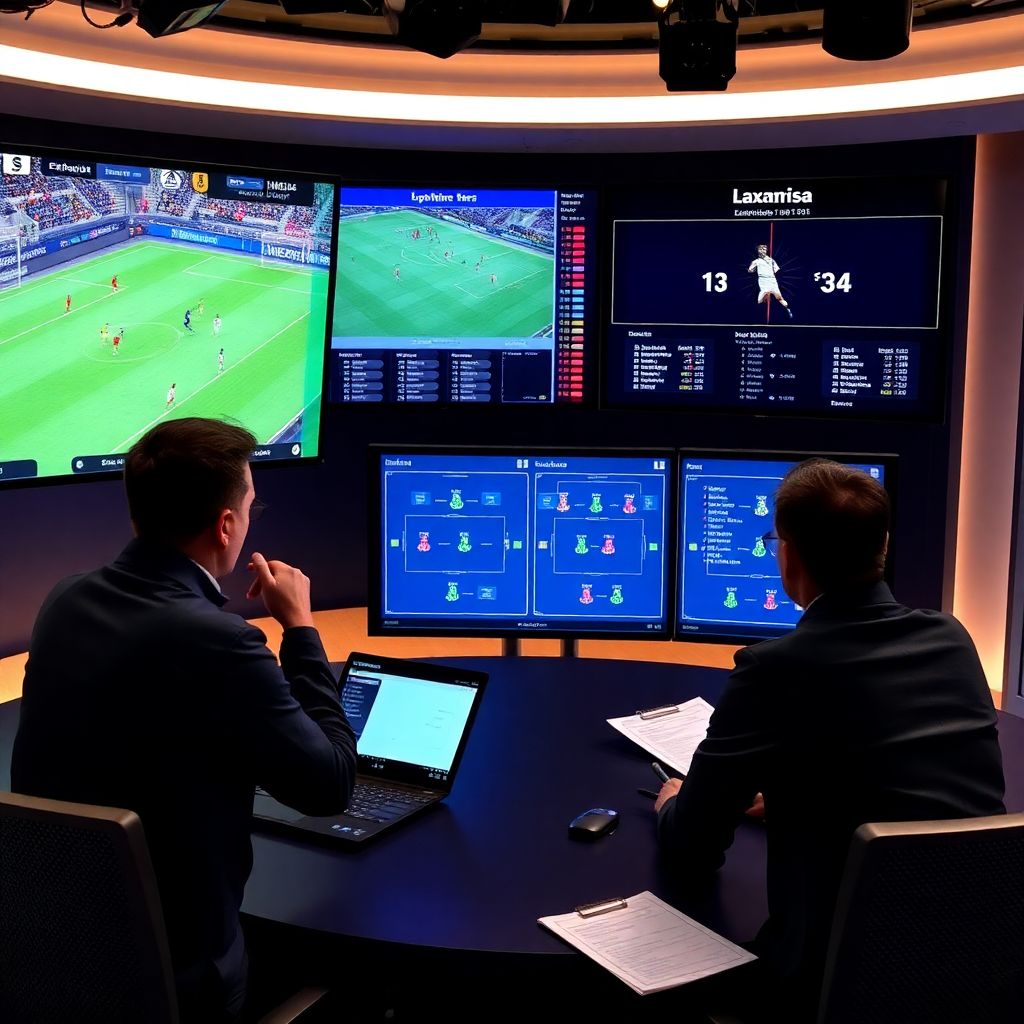
To use video and data for truly professional match analysis, define clear questions, film from stable tactical angles, and combine clips with structured event data. Build a repeatable workflow: capture, tag, store, review, report, and feed insights back into training. Start simple, then add advanced statistics and automation step by step.
Essential principles for video-driven match analysis
- Always link every video clip to a clear tactical or physical question you want to answer.
- Use consistent camera angles and data structures so matches are comparable over time.
- Separate «capture» work (filming, tagging) from «thinking» work (interpreting, reporting).
- Prefer reliable, simple workflows over complex tools you cannot maintain each week.
- Invest time in coding standards so analysts and coaches speak the same language.
- Turn insights into specific training tasks, not just theoretical conclusions.
Preparing your toolkit: cameras, lenses and data capture protocols
This approach is ideal for clubs, academies and ambitious amateurs that already record their matches and want to run them like a small professional department. It also suits coaches using a servicio profesional de análisis de partidos para clubes y entrenadores and needing clear internal standards.
You should postpone «full» video and data analysis if you do not have: a stable filming position, enough time in the week to review, or staff willing to change training. In that case, start only with basic filming and short highlight clips before moving into structured datasets.
For most teams in Spain, a standard HD camcorder or modern smartphone on a tall tripod is enough if placed high and central. Wide angle is usually better than zooming: you want to see compactness, distances and lines, not facial expressions.
Recommended base equipment and software
- Camera: HD camcorder or smartphone with reliable stabilization and at least 60 minutes battery.
- Support: tall, stable tripod; avoid hand-held filming for tactical work.
- Storage: external hard drive or cloud folder with a clear season → competition → match folder tree.
- Tagging: simple software de análisis de partidos con video y datos (desktop or cloud) that allows coding events on a timeline.
- Backup: a second SD card and a plan to copy raw video immediately after the game.
When this level of analysis is not worth the effort
- You cannot reliably film from a high, central position in your league.
- The head coach is not willing to allocate at least 30-60 minutes per week for video feedback.
- You do not have any analyst or assistant coach who can commit regular time to tagging.
- Your internet and hardware are too weak to upload or play long HD videos smoothly.
Designing a focused analysis plan: objectives, KPI selection and timelines
Before buying programas para análisis de rendimiento deportivo con video y datos, define exactly what you want to monitor. A focused plan protects you from collecting «nice to have» data that you will never use in decisions about line-ups or training content.
Core requirements and access you should prepare
- Video access: Ensure every league game and main friendly can be filmed or obtained from a shared league platform.
- People: Assign explicit roles (camera, coding, report creation, presentation to players).
- Software: Select one main platform for video plus data (for example, herramientas profesionales para analizar videos de fútbol or lighter tools, depending on budget).
- Coach input: Schedule a short preseason workshop where staff define tactical principles and preferred KPIs.
- Time windows: Reserve recurring weekly slots: post-match review, player meetings, and training adjustments.
Defining objectives and KPIs that actually help decisions
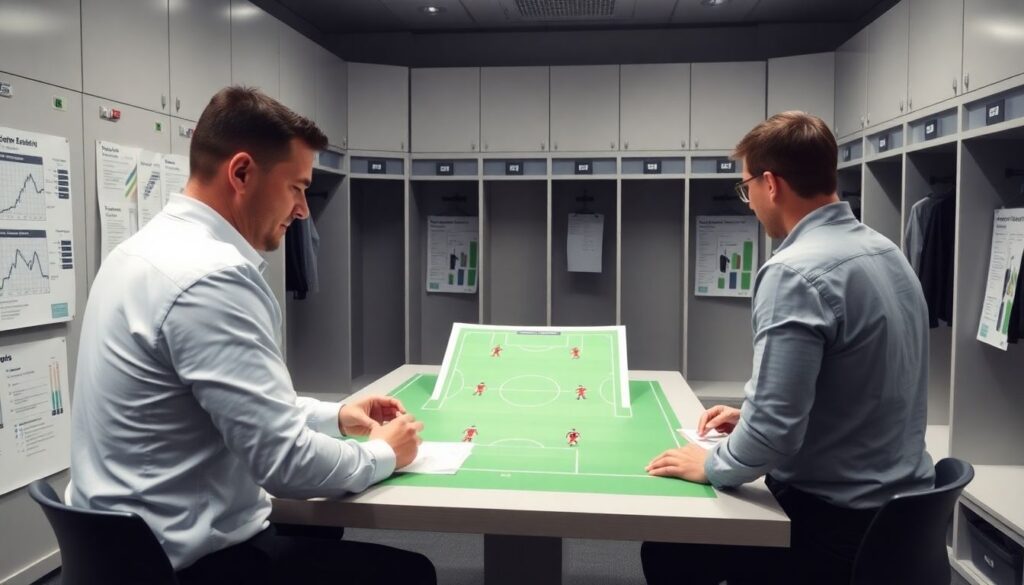
- Start from three practical questions, for example:
- How do we progress the ball from build-up to final third?
- How well do we defend central zones just outside the box?
- How quickly do we recover shape after losing the ball?
- Translate each question into 2-4 KPIs (e.g., number and quality of line-breaking passes, shots conceded from zone 14, seconds to regain compactness).
- Decide for each KPI: who measures it, how (tagging rules), and when it is reviewed with the team.
Fitting the analysis into your weekly cycle
- Match day: capture video, perform a first quick tagging pass for big moments.
- Day after: complete event coding and generate first dashboard or summary table.
- 48 hours after: present selected clips and stats to staff, decide training priorities.
- Next training sessions: run drills linked to those priorities, using clips as introduction.
Synchronized video and data workflows: timestamping, tagging and storage
The following workflow keeps video, events and statistics aligned without needing expensive plataformas de videoanálisis táctico con estadísticas avanzadas. You can apply the same logic from grassroots to professional level; just increase precision and depth as your resources grow.
-
Prepare match templates before kick-off
Create a standard coding template with your main event types (e.g., passes, shots, recoveries, presses, set pieces). Use the same template every week so numbers are comparable.
- Define clear rules: what counts as a «press», a «line-breaking pass», or a «transition» event.
- Pre-fill competition, opponent, line-up and formation in your software.
-
Sync game clock with your tagging tool
Right before kick-off, start the recording and your tagging timeline at the same visible reference (for example, referee whistle or first ball touch). This keeps timestamps aligned.
- If the recording starts early, note the exact time of kick-off so you can offset later.
- Pause and resume tagging for halftime, but keep one continuous video file if possible.
-
Tag live only the essentials, refine later
During the match, tag major events: goals, big chances, dangerous turnovers, set pieces. Do not try to code everything live, or you will lose focus and quality.
- Mark events with simple labels you can expand later (e.g., «Shot – box right»).
- Write short notes after each half about tactical patterns you notice.
-
Run a detailed post-match coding session
After the game, rewatch with lower speed and add detailed tags: pass types, pressure situations, defensive errors, pressing triggers.
- Re-use your standard definitions so one analyst’s «duel won» means the same as another’s.
- Check that the timeline events correctly open the right video segments without time drift.
-
Link external data sources if available
If you have GPS, tracking or event data from a league provider, import or manually match key metrics to your timeline.
- Line up the external data using half-time breaks or goals as sync markers.
- At minimum, attach total distance, high-intensity runs or expected goals next to your clips.
-
Organize, label and back up each match package
Store video, project file and exported data together in a consistent folder structure: Season → Competition → Matchday → Opponent.
- Name files with date and opponent so they are searchable (e.g., 2026-02-28_Liga_Jornada21_vs_Sevilla).
- Keep a secondary backup in the cloud or on another drive to avoid losing your work.
Быстрый режим: minimal workflow you can apply this week
- Film from a high, central position and upload to a single, well-organised cloud folder.
- Tag only goals, big chances, dangerous turnovers and set pieces with timestamps.
- Create one short playlist for «what we did well» and one for «urgent problems».
- Share 5-10 clips with players and link each to one clear training focus for the week.
Extracting insights: event coding, tracking metrics and automated tools
Use this checklist to judge whether your video and data work is producing actionable insights rather than pretty dashboards. It applies whether you use simple tools or the mejores herramientas profesionales para analizar videos de fútbol at higher levels.
- Each key team principle (e.g., high press, compact block, positional play) has 2-4 clearly defined events you code every match.
- You can show at least one clip and one metric to support every major tactical opinion in your debrief.
- Event definitions are written down and shared so different analysts code the same situation in the same way.
- Metrics are tracked across at least several matches before being used to change big tactical decisions.
- You regularly cross-check automated outputs (from advanced tools) with manual review to catch misclassifications.
- Your tagging software allows quick creation of playlists per phase (build-up, final third, transitions, set pieces).
- For each player role, you maintain a small set of performance indicators linked to both video clips and numbers.
- When you prepare the next opponent, you can re-use your structure to compare their tendencies with your own.
- Data exports (CSV, XML, etc.) are stored together with video so you can re-analyse past matches if needed.
Translating findings into coaching actions: reports, drills and player feedback
The most common failure is to stop at «good analysis» that never changes behaviour on the pitch. Use these frequent mistakes as a negative checklist and correct them in your own environment.
- Producing long slide decks full of screenshots and statistics without a short, prioritised message for staff.
- Showing players problems but not linking them to specific drills or constraints in the next training sessions.
- Focusing reports only on what went wrong, creating resistance instead of engagement from the team.
- Sending raw playlists without context, so players do not know what they should look for in each clip.
- Changing KPIs every few weeks, making it impossible to see long-term trends and improvements.
- Ignoring individual learning preferences (some players respond better to numbers, others to concrete video examples).
- Delivering feedback too late in the week, when tactical focus has already shifted to the next opponent.
- Not integrating physical and tactical views, for example analysing pressing without considering physical load data.
- Relying entirely on external servicio profesional de análisis de partidos para clubes y entrenadores and not building any in-house understanding.
Validating and iterating: quality checks, sample size and continuous improvement
Professional analysis is never «finished». You can, however, choose the level of complexity that fits your reality. These alternative setups show how to scale intelligently.
Option 1: Lean in-house workflow with basic tools
Use affordable programas para análisis de rendimiento deportivo con video y datos, one camera, and a single analyst who handles filming, tagging and reporting. Ideal for semi-professional and ambitious amateur clubs who need structure more than high-end automation.
Option 2: Hybrid model with external providers
Combine your own filming and tactical review with external tagging or data providers, or with plataformas de videoanálisis táctico con estadísticas avanzadas that deliver ready-made datasets. You validate key events, select clips and focus internal time on interpretation and communication.
Option 3: Fully outsourced professional service
For small clubs with very limited staff, a complete external servicio profesional de análisis de partidos para clubes y entrenadores can make sense. You still need one internal «owner» who defines questions, filters reports, and translates them into concrete training and selection decisions.
Practical answers to common implementation hurdles
How can I start if I only have a smartphone and no analyst?
Use your smartphone on a high, stable tripod, film the full match, and manually note timestamps for key moments. Start with two simple playlists (good actions, problems) and review them with the team once per week before investing in more complex tools.
How many events should I tag in each match?
For intermediate level, code only events linked to your main game model questions. It is usually better to tag fewer event types with high consistency than many with poor reliability, especially when staff capacity is limited.
What if my internet connection is too weak for cloud platforms?
Work mainly offline: store video and project files on an external hard drive, perform tagging on a local computer, and export short compressed clips for sharing. Synchronise to the cloud only when you have access to a stronger connection.
How do I convince players to pay attention to analysis sessions?
Keep sessions short, focused and interactive. Show more clips than slides, always end with clear actions for the next match, and highlight positive examples first so players see progress, not only criticism.
Can I mix different software tools in one workflow?
Yes, but limit the number of platforms. Use one main tool for video and tagging, then, if necessary, export data to a separate spreadsheet or visualisation tool. Too many tools increase friction and make long-term comparison harder.
How quickly should I deliver post-match analysis?
Deliver an internal staff report within 24 hours and a player-focused version within 48 hours when possible. After that, shift focus towards the next opponent so analysis stays connected to upcoming training content.
Is it worth using advanced automated tracking at intermediate level?
Only if you already have a stable manual workflow and enough staff to interpret the outputs. Automation should save time on repetitive coding, not replace your understanding of the game model and context.